
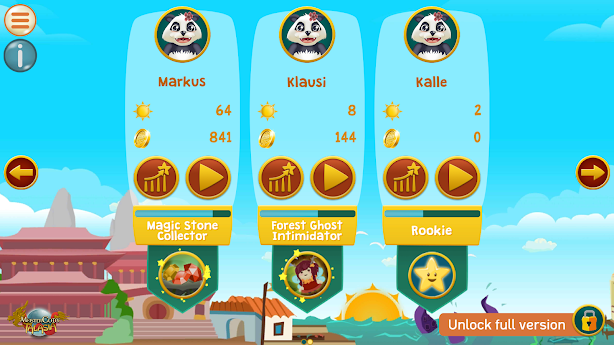
Tap on the graph icon of the child's entry that shall do the test to enter the parental section.
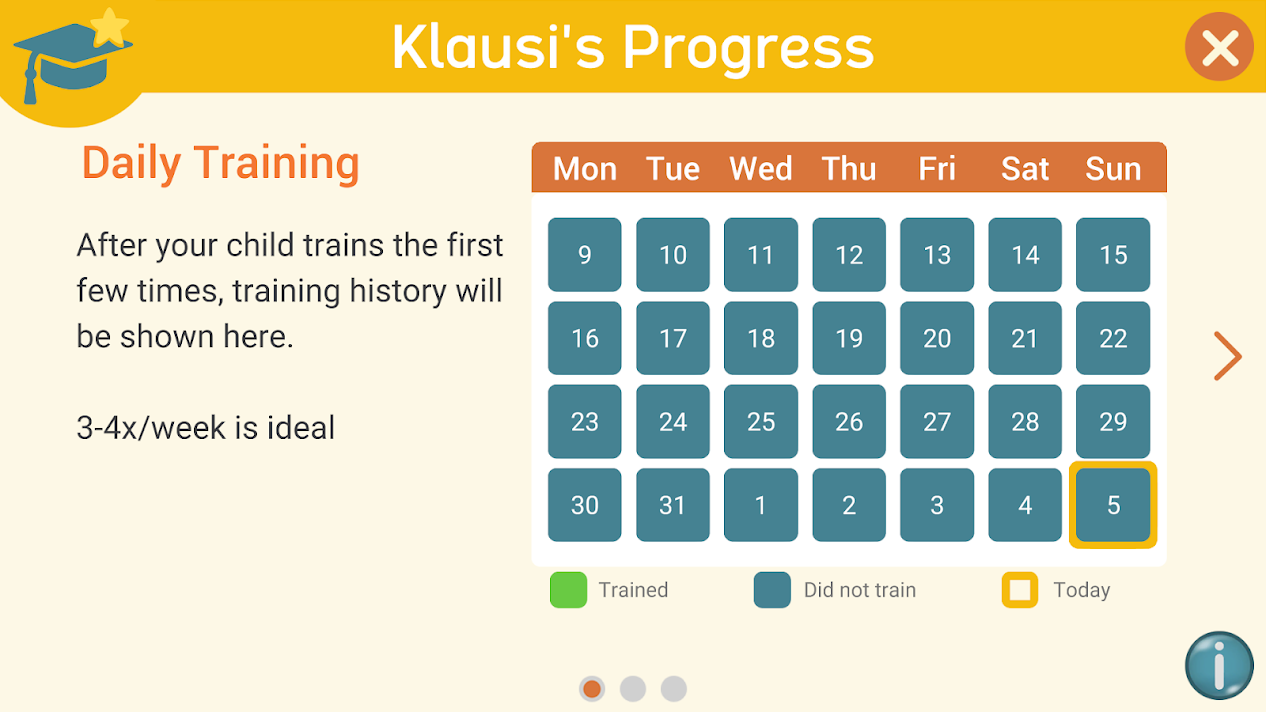
Swipe from right to left or tap on the "right" arrow.
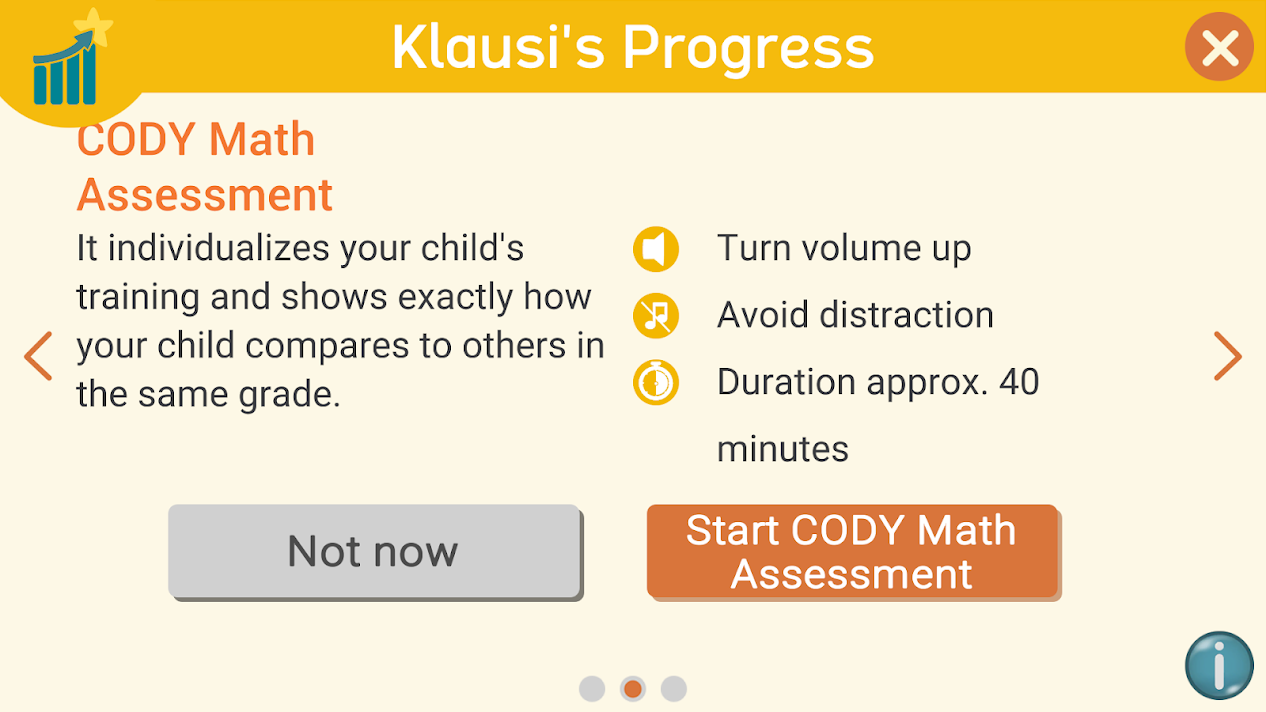
Tap on "Start CODY Math Assessment".
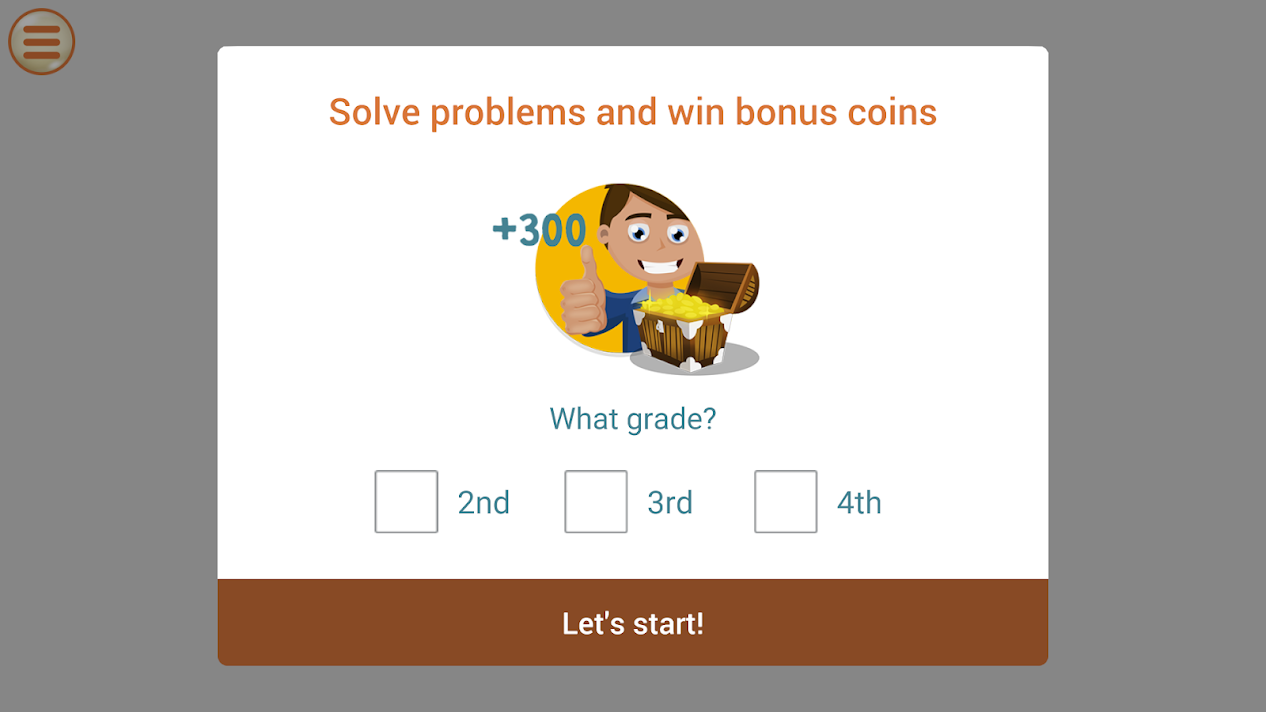
Select the correct grade and tap on "Let's start!"
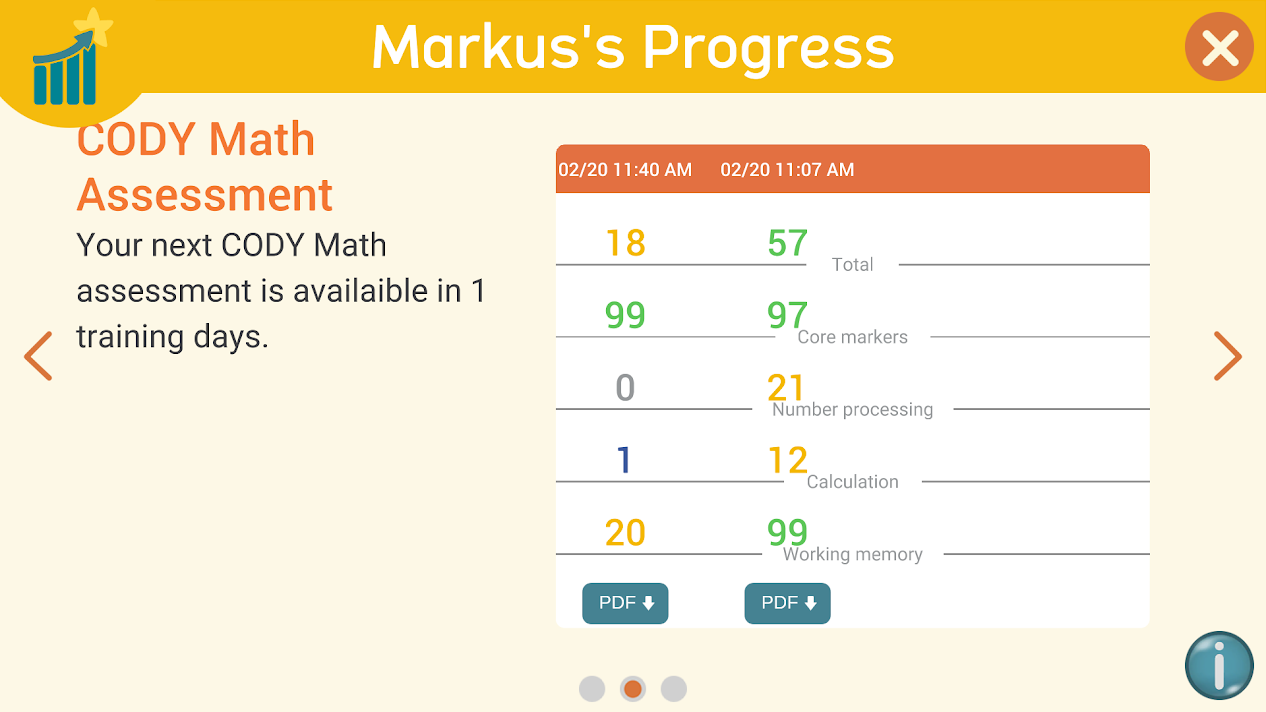
After the assessment you will find the result in the parental section and you will be able to download a detailed PDF report.
Please note: The CODY assessment can only be done every 30 training days. During this time you will not be able to start a new assessment. You will see the results of previous assessments. A counter will tell you when the next assessment will be available.